Library and utility windows
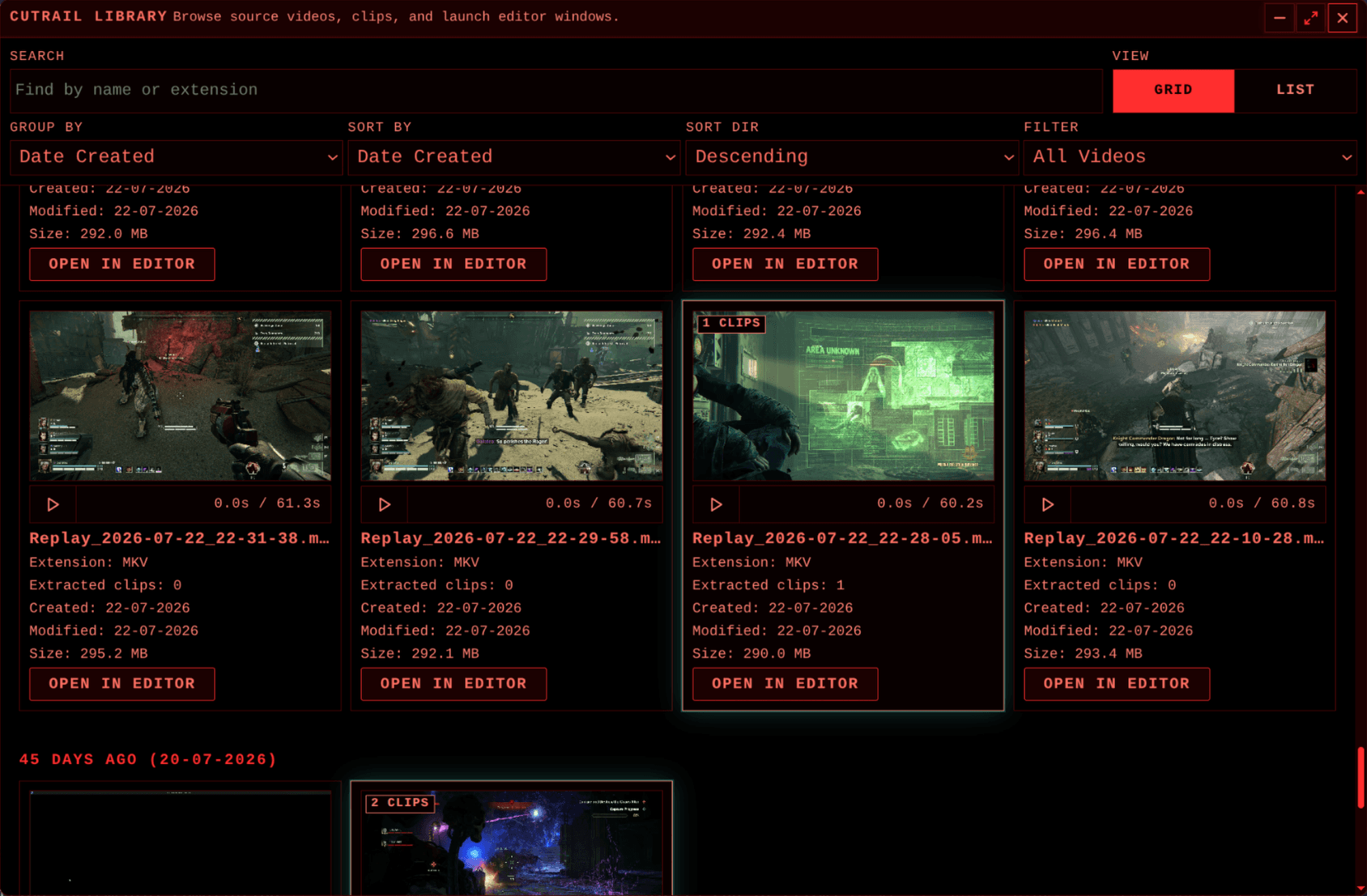
The Library is the starting point for browsing source videos and past exports. It supports search by name or extension, grid and list views, filtering, grouping, and sorting. Each source card shows its file details and how many clips Cutrail has identified. Selecting a source opens it in an editor window.
An export records metadata for its source fingerprint, range, and variant. The library uses that metadata first to associate clips with a source. Older exports without it can still be matched from their filenames, while files Cutrail cannot classify are left as foreign rather than treated as its own output.
Options
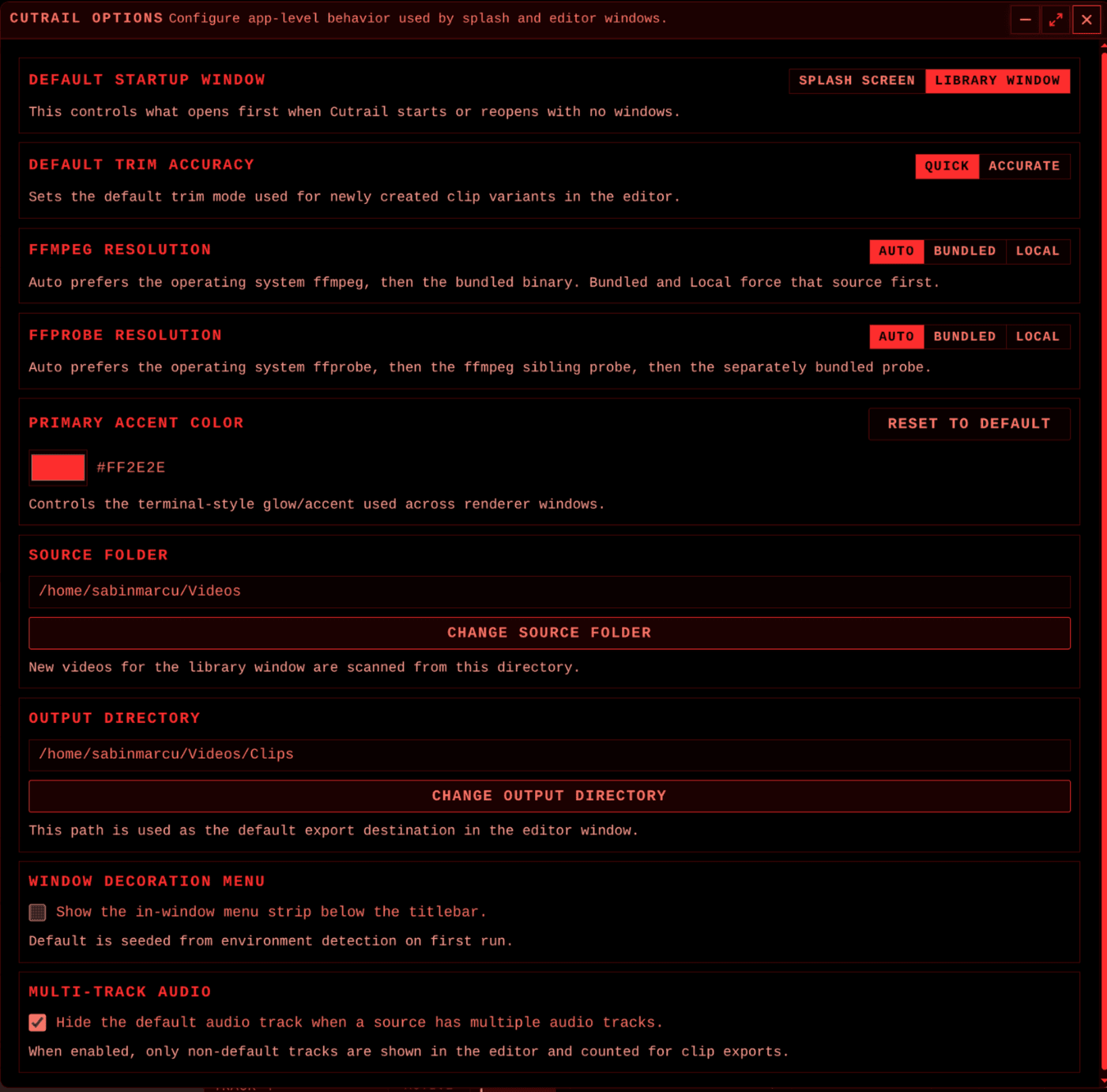
The Options window controls application-wide behavior shared by the splash screen and editor windows. It chooses the startup window, default trim accuracy, source and output directories, accent color, and whether the in-window menu strip is displayed.
It also controls how FFmpeg and FFprobe are resolved: automatically, from the bundled binaries, or from a local installation. Multi-track sources can hide the default track, keeping the editor focused on the alternate tracks that will be included in an export.
Other windows
About documents the application identity, version, maintainer, project link, and MIT license. Licenses & Notices embeds the third-party notices delivered with the application, including the FFmpeg and FFprobe licensing information.
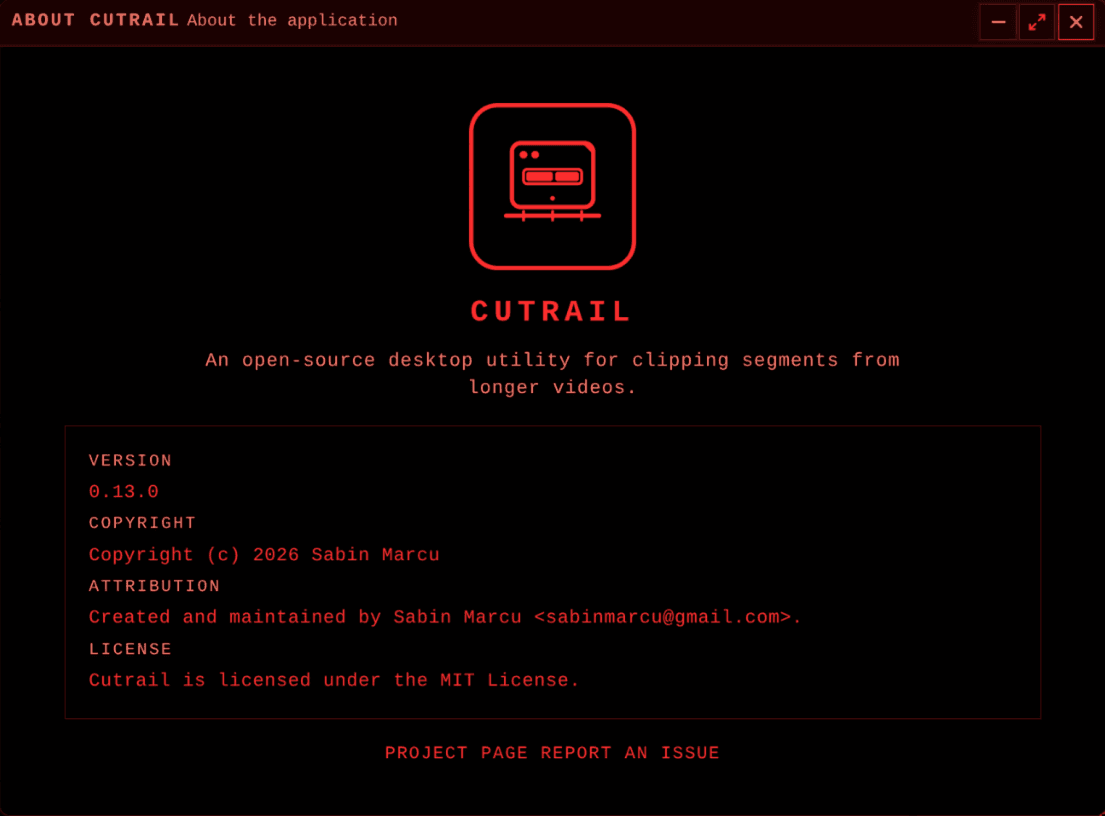
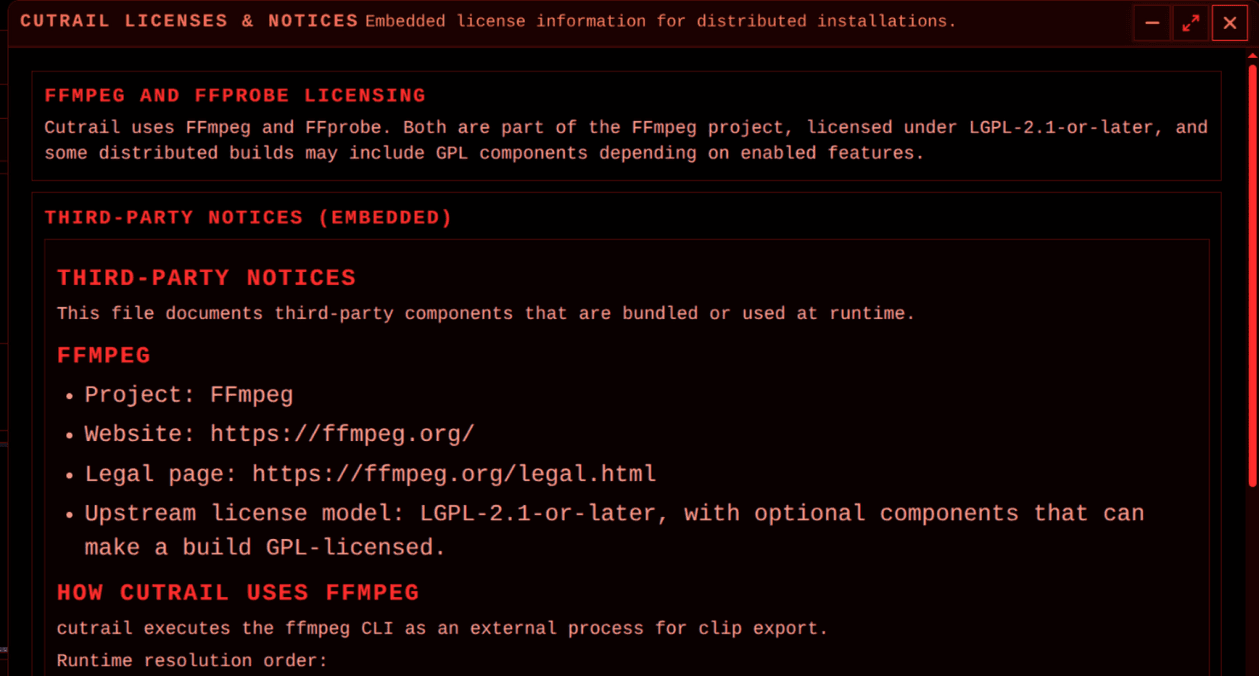
Table of contents